Let the work define the furniture
A home office can look like a miniature corporate workplace or a carefully styled writing desk and still be unsuitable for the person using it. The useful starting point is the work itself. Someone who writes on a laptop needs a different surface from someone who compares printed drawings, handles samples, or uses several screens. A desk should support the real activity rather than a vague idea of productivity.
List what remains on the surface throughout a normal day and what appears only occasionally. Include the less attractive objects: chargers, notebooks, a headset, and whatever equipment the job requires. Measure the largest arrangement you genuinely need. This prevents a common mistake in domestic workspaces: choosing a beautiful small table, then extending the work onto every nearby surface because the table was never large enough.
Choose a place with manageable interruptions
The brightest corner is not always the best office. A seat beside the kitchen may offer pleasant daylight while exposing calls to every household sound. A bedroom desk may be quiet but make work difficult to put out of mind. Consider the hours you work, who else is home, and whether privacy is required for conversations or documents.
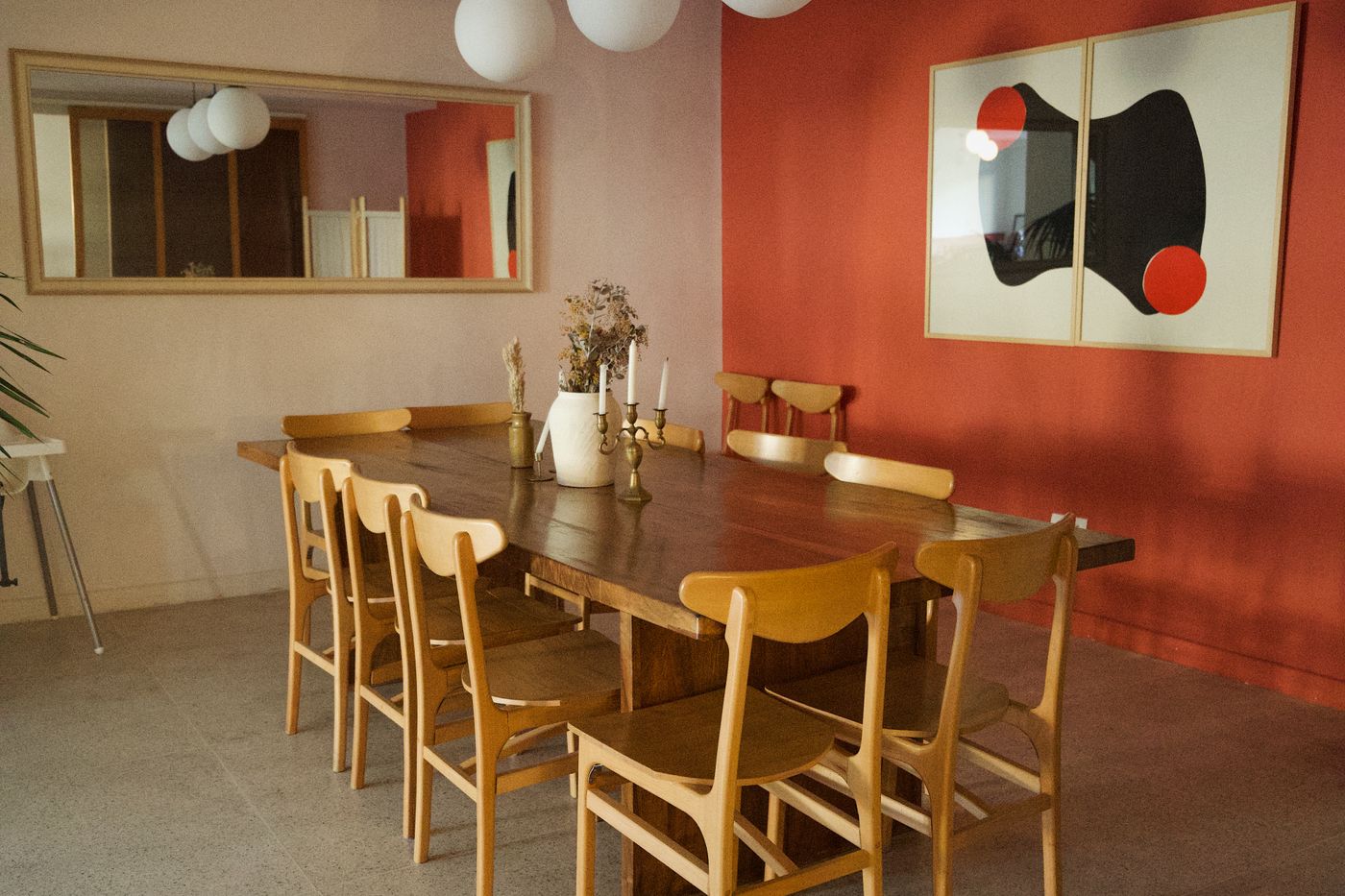
If a separate room is unavailable, choose a location where the main activity can happen with relatively few conflicts. A dining table may work for occasional tasks if there is a reliable place to clear the equipment. Daily video calls may need a more stable arrangement. Be realistic about what a decorative screen can achieve. It can interrupt a view, but it does not provide the sound isolation of a separate room.
Fit the chair to the task
A chair should be judged during use, not only by how well its upholstery matches the room. Sit at the intended work surface and check whether your feet are supported, shoulders can relax, and arms can reach the keyboard comfortably. Adjust the available controls according to the chair's instructions. A fixed dining chair may suit brief work but offer limited adaptation for longer sessions.
Comfort varies, so try a prospective chair where possible and understand the return terms. Pay attention to seat depth, back support, and whether the arms interfere with the desk. If the chair has castors, use the type and floor protection appropriate to the flooring. Practical seating need not dominate the room visually, but choosing it solely as a decorative object can create a daily difficulty that no amount of styling will remove.
Arrange the screen before styling the desk
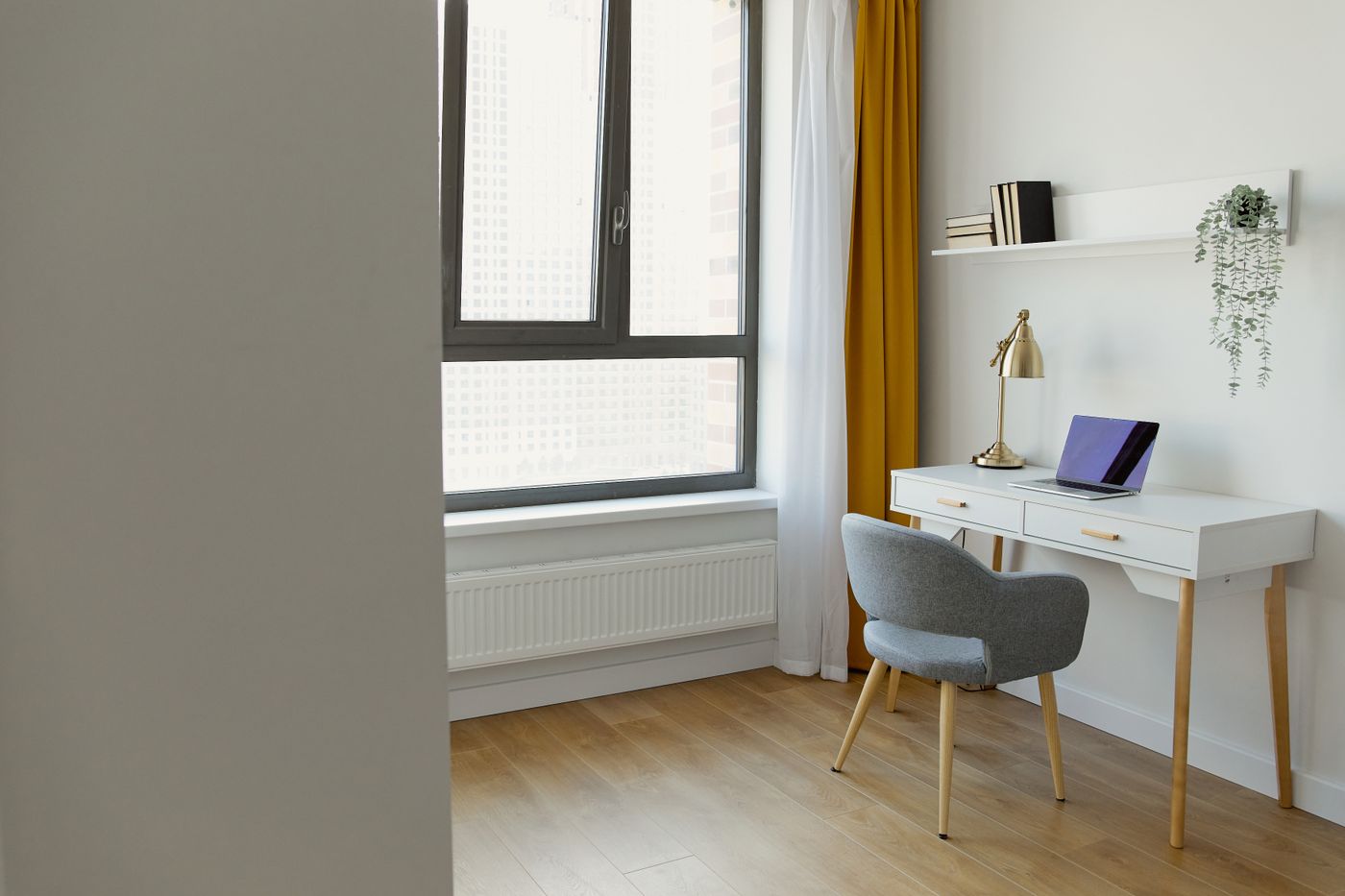
Set the screen and input devices up for the way you work. General workstation guidance can provide a starting point, but the arrangement needs to suit your body, eyesight, and tasks. A laptop used for extended work may benefit from separate accessories that allow the screen and keyboard positions to be adjusted independently. Choose compatible equipment and follow its instructions.
Check the view while sitting naturally rather than leaning into a staged pose. Can you read the screen without constantly reaching forward? Is the mouse crowded against another object? Keep frequently used items in comfortable reach. If discomfort persists, seek appropriate professional advice rather than assuming a decorative change will solve it. The desk can become visually quieter after the useful arrangement has been established, not before.
Make daylight an ally
Place the screen with reflections in mind. A bright window directly behind you can reflect in the display, while one directly behind the screen may create a strong contrast. Try different angles before settling the furniture. Check the position during the hours you work, since a pleasant morning arrangement can behave differently in the afternoon.
Use suitable curtains or blinds to manage changing conditions without making the room permanently dark. Add task lighting where necessary, taking care that it does not create another reflection. A lamp should illuminate paperwork without shining into the eyes or across a shared room. If electrical alterations are required, use qualified help. Portable lighting can help you test the arrangement first, provided cables and plugs are managed safely.
Plan power before the cables multiply
List the equipment that needs power and identify suitable outlets. Keep access practical and follow the ratings and instructions for all electrical products. Do not solve a permanent shortage with an improvised chain of adapters. If the available supply is unsuitable, consult a qualified electrician about an appropriate solution.
Once the power arrangement is sound, organize the cables so they do not cross walking routes or catch when the chair moves. Leave enough slack for equipment to be adjusted safely. Labeling a few similar cables can make maintenance easier. Avoid hiding chargers beneath textiles or enclosing equipment where its manufacturer requires ventilation. A calm-looking desk should remain easy to inspect, clean, and disconnect; concealing everything at the expense of access creates a different sort of clutter.
Give paper a destination
Paperwork becomes visually dominant when every stage of work shares one pile. Separate active material from reference and completed records. The system can be simple: a tray for the current task, a folder for material awaiting action, and appropriate storage for records that must be retained. Its usefulness depends on clear destinations rather than elaborate containers.
Choose storage for the actual format of the documents. A shallow decorative box may not accommodate folders without bending them. Keep sensitive material secure and follow any obligations associated with your work. Dispose of personal information appropriately. The domestic setting does not make confidentiality less important. A clear paper routine also makes it easier to close the office at the end of the day, especially when the desk shares a room with other activities.
Use closed storage selectively
Closed storage can help a workspace sit comfortably within a home, particularly when equipment and supplies have many different colors and shapes. But a cabinet is useful only if its contents are accessible. Check shelf depth, door swing, and the size of the objects before buying. Leave room for cables or ventilation only where the product and equipment permit that arrangement.
Keep the items used most often easiest to reach. A beautifully hidden printer that must be lifted out for every page is not a convincing solution. Secure tall furniture as instructed, and respect load limits. Open shelves can hold a small number of books or useful objects, but do not make every shelf a display project. The work area needs storage that reduces effort rather than adding another set of surfaces to maintain.
Let domestic materials do quiet work
A desk in timber, a fabric noticeboard, or a well-chosen curtain can connect the office to the rest of the home. These elements can soften the impression of screens and equipment without interfering with their use. Begin with a few materials already present in the room rather than importing an entirely separate decorative language.
Avoid choosing a delicate surface that cannot tolerate the way you work. Check whether desk mats, cleaning products, or equipment feet are suitable for the finish. If a rug sits beneath the chair, consider pile height, chair movement, edge stability, and floor compatibility. A pleasant texture should remain pleasant during an ordinary workday. The room will feel more naturally domestic when its materials are comfortable to use, not merely when its equipment has been surrounded by decorative objects.
Consider the background without making it a stage
If you take video calls, look at the camera view from the actual working position. Check what information is visible and whether a window affects the image. A simple background with a small amount of personal character is often easier to maintain than a densely styled shelf. Keep private documents and household details out of view where appropriate.
The camera angle should not force an uncomfortable desk arrangement. Adjust equipment sensibly and use available privacy features where suitable. Remember that the room exists beyond its camera frame. Do not move clutter into a walking route merely to hide it during a call. A workspace that functions well in person and presents a calm background is more useful than one designed exclusively for the image seen by others.
Create an ending that takes minutes
Working at home removes the physical journey that often separates work from the rest of the day. A small closing routine can help establish a boundary. Save the current task, put active papers in their place, return accessories to a drawer, and leave the surface ready for the next session. The exact sequence matters less than making it easy to repeat.
If the desk shares a living room or bedroom, consider what remains visible after closing. A laptop stand or monitor may stay, but loose papers and charging cables need not spread around it. Give each item a home close enough that putting it away is not an extra project. Storage works best when it supports the routine at the moment the routine happens.
Improve the observed problem
After using the arrangement for a week, make a short list of specific difficulties. Perhaps the light falls on the wrong side of paperwork, the drawer catches the chair arm, or a frequently used notebook lives too far away. Solve those problems individually. Resist replacing the whole setup because one detail remains awkward.
A home office that belongs at home does not have to conceal its purpose. It can acknowledge that useful work takes place there while remaining a comfortable part of the interior. Give the work enough space, manage the equipment honestly, and create a reliable way to stop. The result can be both practical during the day and quiet enough to live beside when the day is finished.
Take it home
- Choose the desk around real equipment and working tasks.
- Test screen reflections during working hours.
- Give active papers and accessories a quick end-of-day destination.